

Is Excel Good Enough for Employee Scheduling? When to Switch to Software
Is Excel enough for employee scheduling? See where spreadsheet rosters break down, what automated scheduling does differently, and the signs it's time to switch.
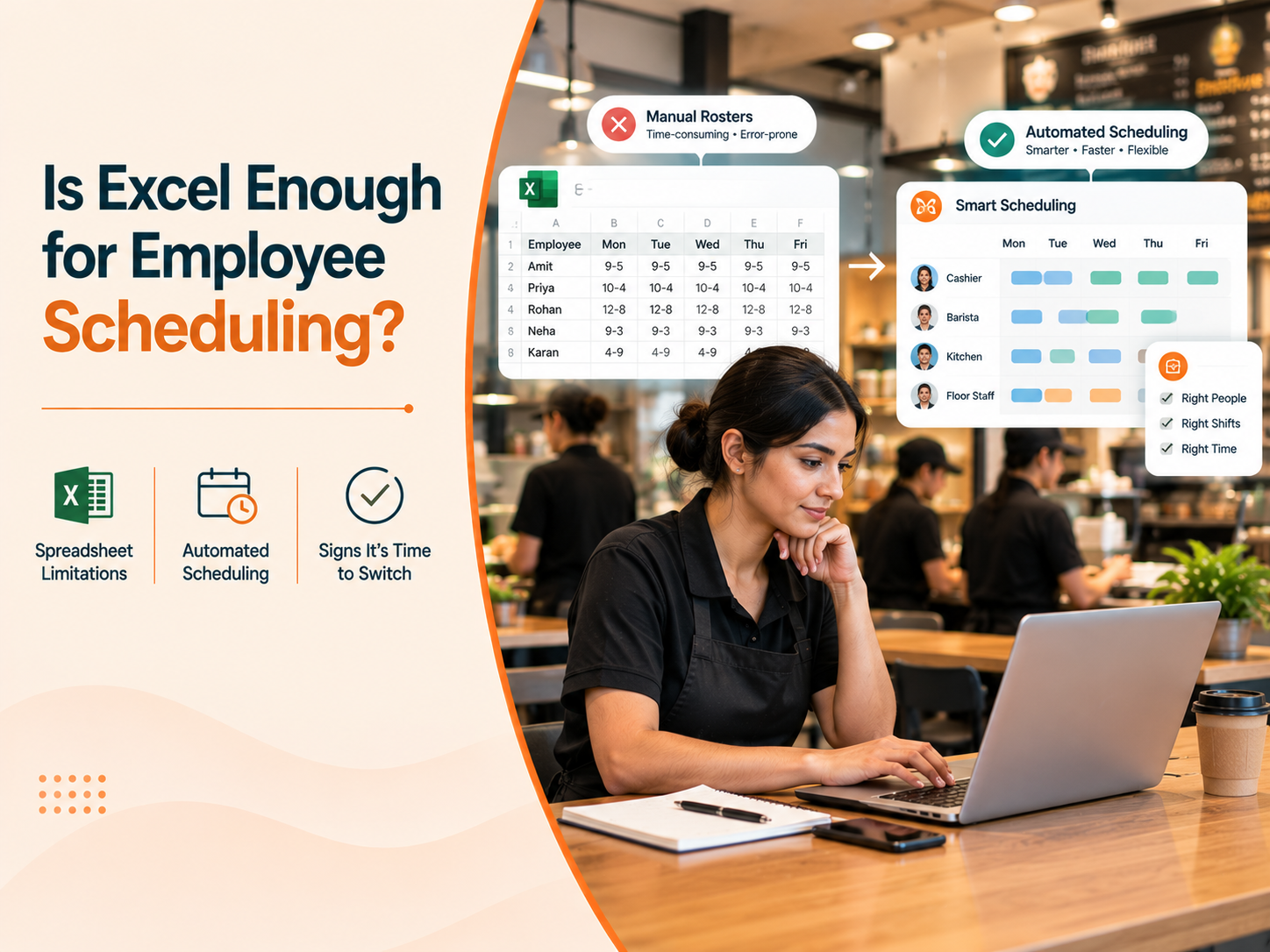
It's Sunday night. A store manager opens last week's roster, saves a copy, and starts editing. Who's on leave? Who asked for Saturday off? Who can't close two nights in a row? An hour later the roster is done and shared in the team group.
By Tuesday, it needs changes.
For most businesses, this routine started with good reason. Excel is free, familiar and flexible. The real question isn't whether Excel works. It's when it stops working, and what that quietly costs by then.
This guide covers where spreadsheet rosters break down, what automated scheduling does differently, and how to tell whether your business has outgrown Excel.
At a glance
- Excel works well for one or two locations with stable teams
- It struggles with changing demand, last-minute absences and many locations
- Automated scheduling builds rosters from rules and demand data, and managers review them
- Scheduling changes shape as a QSR chain grows from 2 to 3 outlets to dozens, and across dine-in, drive-thru, kiosk and delivery formats
- A few simple signs show when it's time to switch
What Is Manual Workforce Scheduling?
Manual scheduling means building rosters by hand, in Excel, Google Sheets, on paper or in a chat group. The manager weighs footfall, operating hours, availability, leave and experience, then shares the result by email, message or printout.
It has real strengths:
- No software cost
- Everyone already knows how to use it
- Completely flexible
It also has one built-in limit. The quality of every roster depends on how much the manager remembers, how much time they have and how current the file is.
Problems with Excel Scheduling
Go back to that Sunday-night roster. Here is how its weak spots show up over a normal week:
- The roster is built from memory, not demand. It repeats last week's pattern, so a predictable lunch peak gets the same staff as a quiet afternoon
- Changes arrive late. On Thursday, a nearby office event pushes orders up. On Friday, someone calls in sick. Each change means calls, edits and messages, and someone usually misses the update
- Errors creep in. Double-booked shifts, missed leave and uncovered slots are easy to introduce when a file is edited under pressure
- There is no proof of what was shared. When a staff member says they never saw the new roster, nobody can confirm which version they got
- Nobody sees the full picture. Each store keeps its own file, so the regional team cannot compare staffing or labor cost
The last point matters most as a brand grows. Picture a retailer with 50 stores and 50 workbooks. One store carries extra staff in quiet hours while another has queues at peak. Both problems exist, but neither is visible, because the data sits in separate files.
This is not a rare problem. A Kronos and The Caterer survey of hospitality managers found that scheduling was 69% manual, and 40% of respondents said they were routinely understaffed.
Impact of Manual Scheduling on Store Operations
Roster problems rarely stay in the roster. They show up on the floor.
- Understaffed peaks mean slower service, longer queues and stock or prep falling behind
- Overstaffed quiet hours quietly add to labor cost
- Last-minute scrambles pull the manager away from customers and coaching
- Unpredictable schedules frustrate staff, and that feeds into turnover
The manager's time is the hidden cost. Hours spent rebuilding rosters and chasing replacements are hours not spent running the store.
QSR Scheduling for Small vs Large Restaurant Chains
Nowhere is the Excel question clearer than in quick service restaurants, where scheduling gets harder with every outlet added.
With 2 to 3 outlets Imagine a small QSR brand with three outlets in one city. The owner knows every team member and every peak by heart. Rosters live in one workbook, and a sick call is solved with a few quick calls. Excel works well here, because the owner's memory fills the gaps.
At 15 to 20 outlets The same brand grows across two cities. Now there are area managers, store managers who each build their own roster, and staff who move between outlets. Memory no longer covers it, so rosters drift apart:
- One outlet schedules by habit, another by gut feel
- Staff sharing between outlets means checking two workbooks
- Area managers ask for staffing numbers and wait days for answers
At 50 or more outlets At this scale, rosters stop being an outlet task and become a company-wide system. Head office needs one view of hours, overtime and coverage. Labor is one of the largest costs in the business, and small gaps at each outlet add up across the network. A spreadsheet per store cannot give that view.
The lesson is that scale does not make scheduling a little harder. It changes what scheduling is for: from filling a week's shifts to running a consistent, measurable process across every outlet.
QSR Shift Scheduling by Outlet Format
QSR chains also rarely run a single format, and each one staffs differently. Our post on what makes one QSR chain different from another covers the formats in detail. For rosters, the key differences are:
- Dine-in outlets: Staffing is split between counter, floor and kitchen, with peaks around meal times and weekends
- Drive-thru outlets: Speed matters most, so the roster must cover order-taking, assembly and handover tightly during short rushes
- Food court and kiosk outlets: Small teams, long hours and demand that follows mall footfall and not the restaurant's own pattern
- Delivery-led and cloud kitchen outlets: Demand follows app orders and delivery promotions, so the kitchen roster matters far more than front-of-house
One roster template cannot serve all of these. A brand with three formats across twenty outlets ends up with many versions of the same Excel file, each slightly different. Rules that should be shared, such as shift length, rest gaps and overtime limits, get applied differently in each one.
Scheduling software handles this by keeping one set of company rules and letting each format or outlet carry its own staffing needs and demand pattern on top of it. The brand stays consistent, and each outlet is still staffed for how it actually trades.
What Is Automated Employee Scheduling Software?
Automated workforce scheduling software builds and manages rosters from defined rules and operating data. Instead of starting with a blank sheet each week, the manager works in one place that already knows availability, skills, shift rules, labor budgets and expected demand.
Run the same week again with that setup:
- The roster starts from forecast demand, so the lunch peak is staffed for lunch
- Leave and availability are already in the system, so conflicts are flagged before the roster goes out
- When someone calls in sick, the manager sees who is available and updates one place
- Staff get the change through the platform, with notifications depending on the setup
- The regional team sees staffing and planned labor cost across every store in one view
- Dine-in, drive-thru, kiosk and delivery-led outlets each get rosters built for their own demand, under one set of company rules
Demand-based planning is the biggest shift. When a roster follows expected orders, footfall and seasonality instead of last week's pattern, staffing starts to match the work. Our guide to demand forecasting in QSR explains how forecasts turn into preparation and staffing decisions.
One point is worth stating clearly: software does not take the manager out of the loop. No forecast predicts every local event. The system proposes, and the manager reviews and adjusts. The difference is that the manager starts from a good draft with the numbers in front of them.
Is Excel Good Enough for Employee Scheduling?
Excel is a perfectly reasonable choice when a business:
- Runs one to three locations in a single format with a small team
- Has stable hours and predictable demand
- Sees few last-minute changes
A well-kept sheet with a standard template and a clear owner works well here.
It is time to look at software when several of these sound familiar:
- Rostering takes the manager hours each week
- Changes and absences need a round of calls every time
- Different stores run different staffing levels for similar demand
- Overtime keeps appearing in the same places
- Leave and availability clashes keep slipping through
- Head office cannot see staffing or labor cost without asking each store
- Staff regularly say they did not get the latest roster
- You run more than one outlet format, and each has its own version of the roster
- Staff move between outlets, and nobody has a clear view of their total hours
A quick test: if you cannot say today how many hours were scheduled across all your locations this week, your rosters have probably outgrown Excel.
For the principles behind a strong roster either way, see our 10 workforce scheduling best practices.
When to Switch from Excel to Scheduling Software
Spreadsheets did their job. They got the business to where it is. The question now is whether they are still the right tool for where it is going.
If rosters take hours, changes cause chaos and head office is working with partial information, a short conversation can show you what demand-based scheduling would look like on your own stores, your own peaks and your own roster rules.
Book a personalized demo to see how NymbleUp's Workforce Scheduling solution helps multi-location retail and hospitality brands move from spreadsheets to demand-based scheduling.
FAQ
Is Excel enough for employee scheduling? For one or two locations with a small, stable team, yes. As locations, staff and schedule changes grow, Excel becomes harder to keep accurate and impossible to see across stores at a glance.
What are the main problems with manual scheduling? Rosters are built from memory instead of demand, changes reach people late, errors such as double bookings creep in, there is no record of what was shared, and head office has no combined view across stores.
What is the difference between Excel scheduling and automated scheduling? In Excel, the manager builds and updates every roster by hand. Automated scheduling software builds rosters from availability, shift rules and demand data, flags conflicts and gives central teams visibility, while managers still review and adjust.
Does scheduling software replace the store manager's judgement? No. The software proposes a roster, and the manager reviews it and adjusts for local events and conditions. It reduces repetitive work and gives the manager better information.
How does scheduling change when a QSR chain grows from a few outlets to many? With two or three outlets, an owner's knowledge can fill the gaps in an Excel roster. As outlets, area managers and shared staff increase, rosters drift apart, and head office needs one consistent view of hours, overtime and coverage.
Do different QSR formats need different rosters? Yes. Dine-in, drive-thru, food court, kiosk and delivery-led outlets each have different peaks and role mixes. Software lets a brand keep common rules while each format or outlet is staffed for its own demand pattern.
When should a business switch from Excel to scheduling software? When roster preparation takes hours each week, last-minute changes are hard to manage, staffing differs widely between stores for similar demand, or head office cannot see labor hours and coverage across locations.
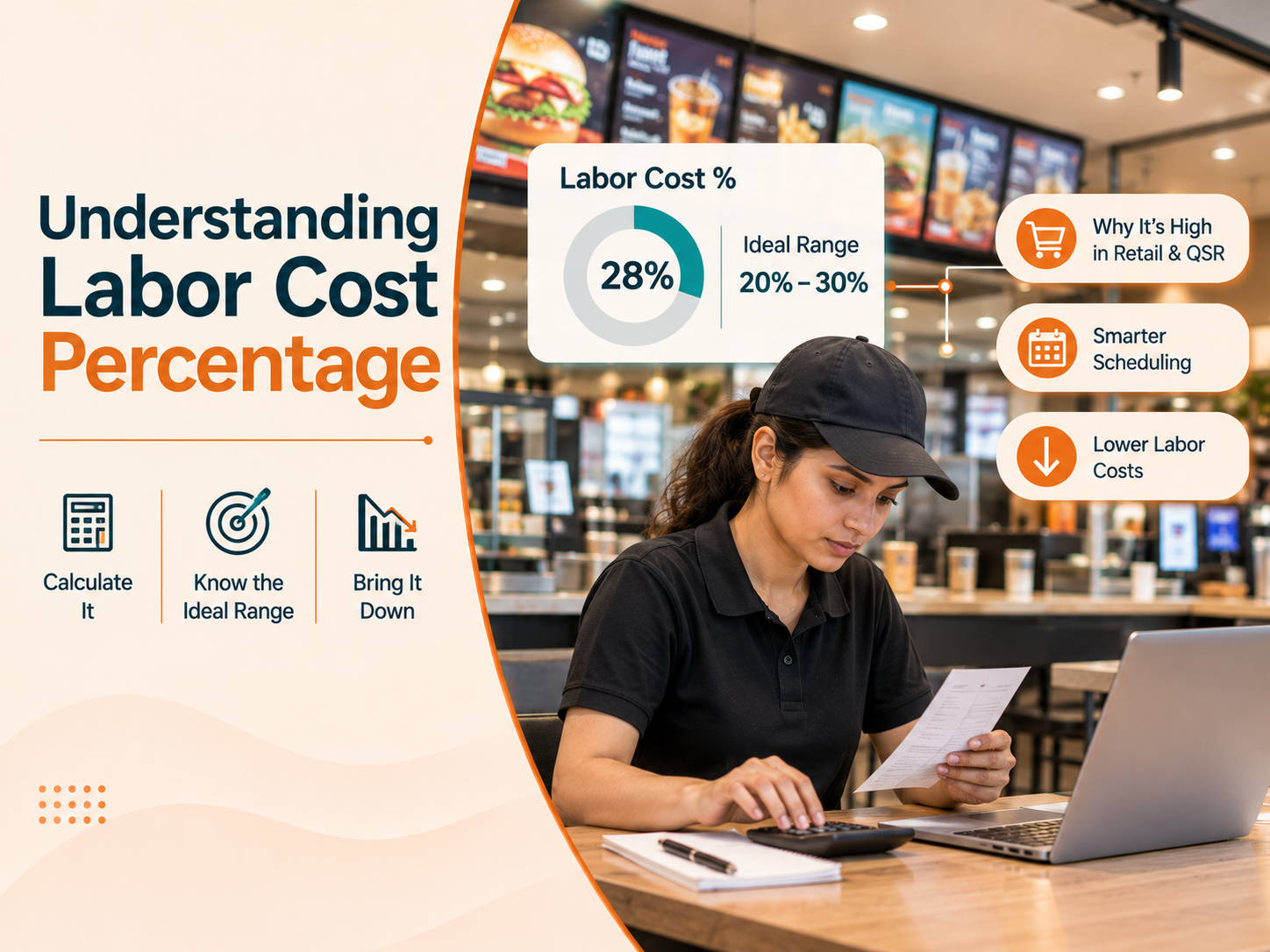
How to Calculate and Reduce Labor Cost Percentage in Retail and QSR
Learn how to calculate labor cost percentage, what a good number looks like, why it runs high in retail and QSR, and how smarter scheduling …
Read more
How Video Analytics Reveals Who's Actually Walking Into Your Store
Discover how AI video analytics helps retailers gain real time demographic insights, understand visitor patterns, personalise offers, optimi…
Read more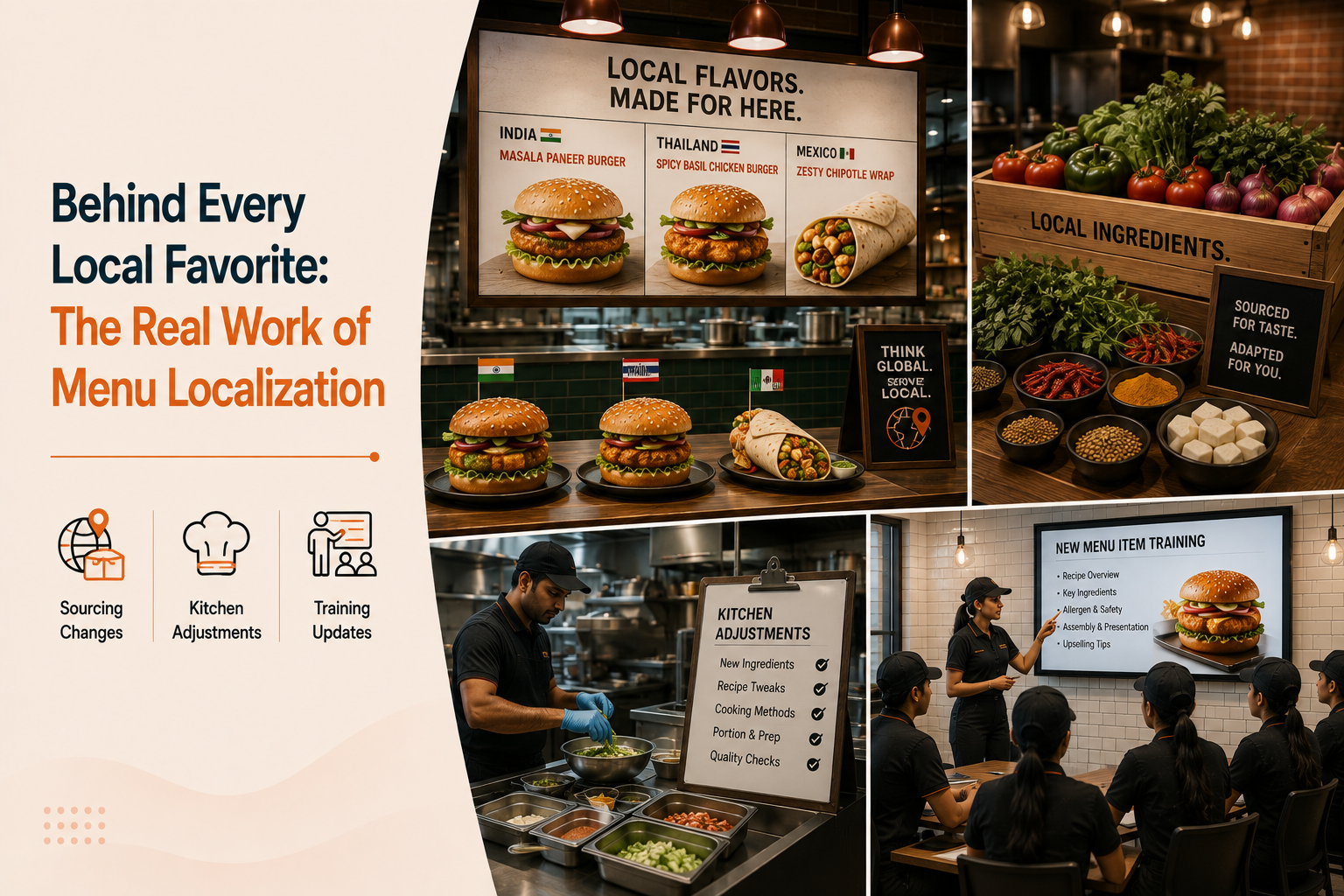
How QSR Brands Adapt Menus for Different Markets and Cities
Menu localization isn't just a new item on the board. Here's the sourcing, kitchen, and training changes that actually happen behind a regio…
Read more